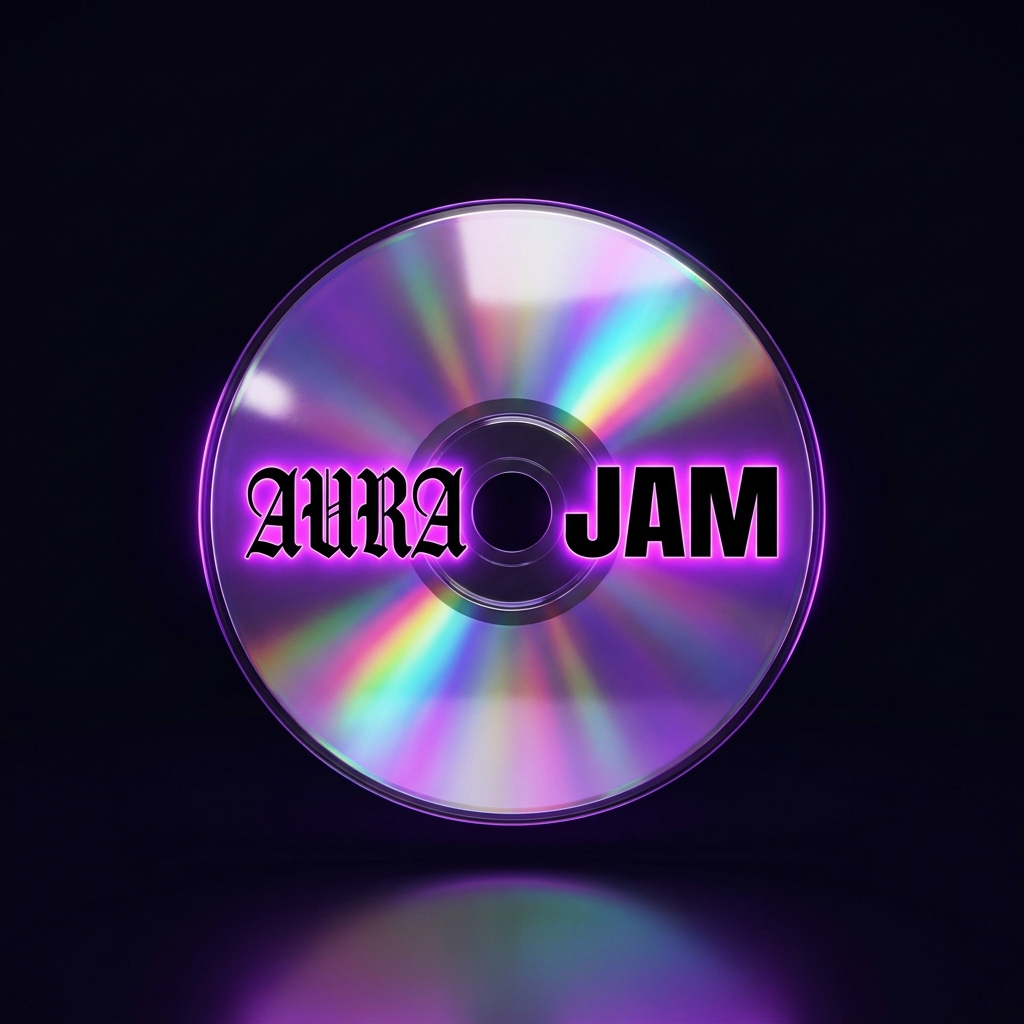
Drop in two songs you love — AuraJam presses them into one living, spinning disc you can shape, play, and share. One of one, made on your Mac. First disc in about two minutes.

No mixing degree. Drop the music in, AuraJam does the hard listening, you do the shaping.
Pull in two or more tracks — local files or a playlist link. Your music stays on your machine.
// local-first importAuraJam separates vocals, drums, bass, and melody, then reads each track's tempo, key, and energy.
// stem separation + analysisIt blends the stems into one generative track and spins up the disc — the visual signature of your mix.
// generative blendOpen the Studio to mix stems, re-roll the generated parts, arrange — then export audio and the spinning disc.
// WAV / MP3 / CD videoEvery stem on its own lane — mute, solo, level, pan. Re-roll the generated parts until the blend hits. Set a loop, arrange the sections, and bounce a real audio file when it's yours.
Every disc is pressed from the exact tracks you fed it — its art, its spin, its sound are one of one. Post the spinning-disc video and it's unmistakably yours; anyone who sees it can drop in their own two songs and press theirs. Or export the audio to play anywhere.
Three taps from your two songs to a clip you can post.
Load a style cassette and the disc takes on its sound and color — a different living artifact for every genre you reach for.
AuraJam is live and free to start on macOS. Download it, drop in two songs, and press your first disc in a couple of minutes — or have Dylan walk you through it.